Course intelligence
Download with your Golf Intelligence account, import a scorecard from photographs, or build manually. Refine greens, hazards, targets, and scorecard definitions when the course changes.
Golf intelligence, made personal
Editable course maps, today’s pins, live GPS and Plays Like, scoring and matches, GHIN preparation, and coaching from the rounds you actually play.
One round, five connected jobs
LoopWise keeps course knowledge, live conditions, scoring, handicaps, and improvement in one place without forcing every golfer into the same workflow.
Download with your Golf Intelligence account, import a scorecard from photographs, or build manually. Refine greens, hazards, targets, and scorecard definitions when the course changes.
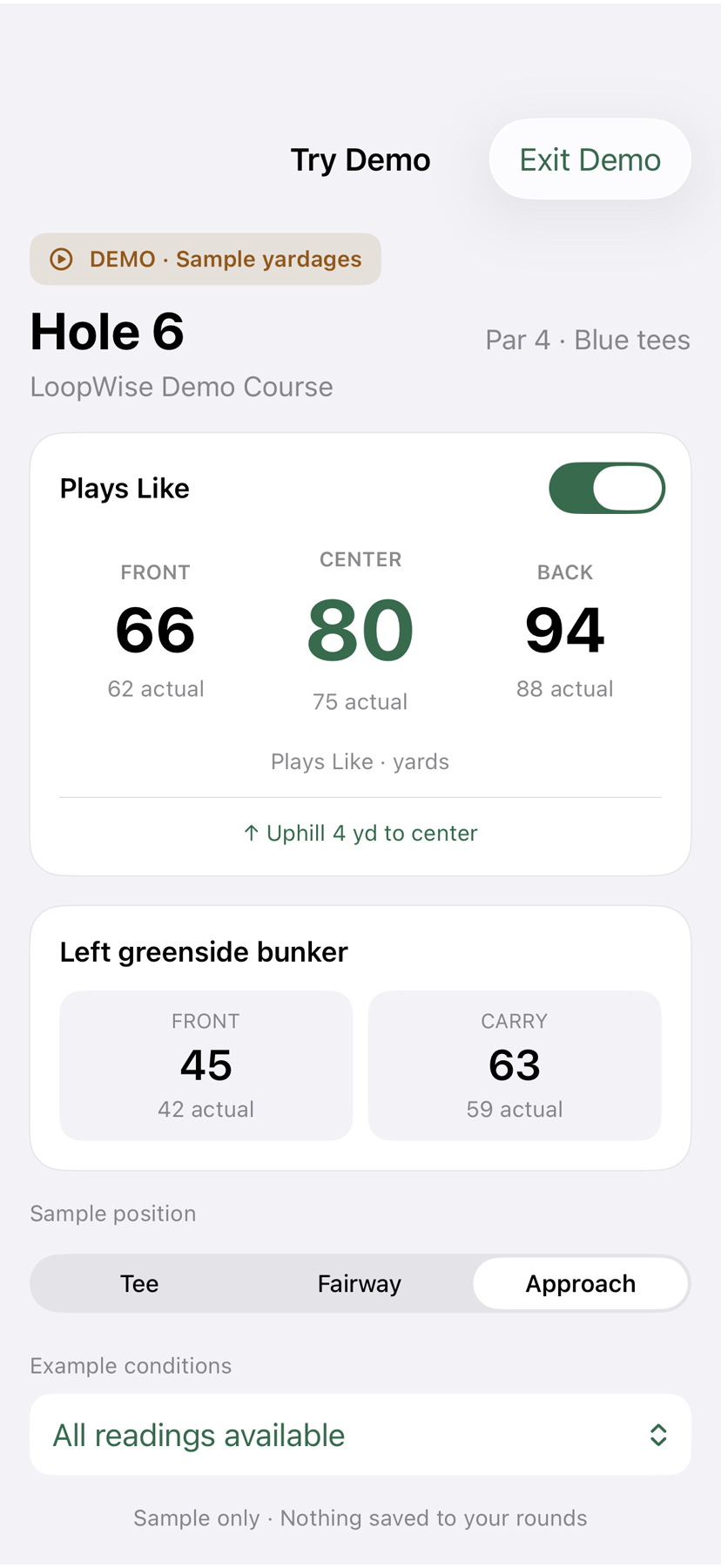
Use the club’s EZPin or Strackaline sheet, enter flags manually, or play without daily pins. Add wind, air density, direction, and elevation to see Plays Like.
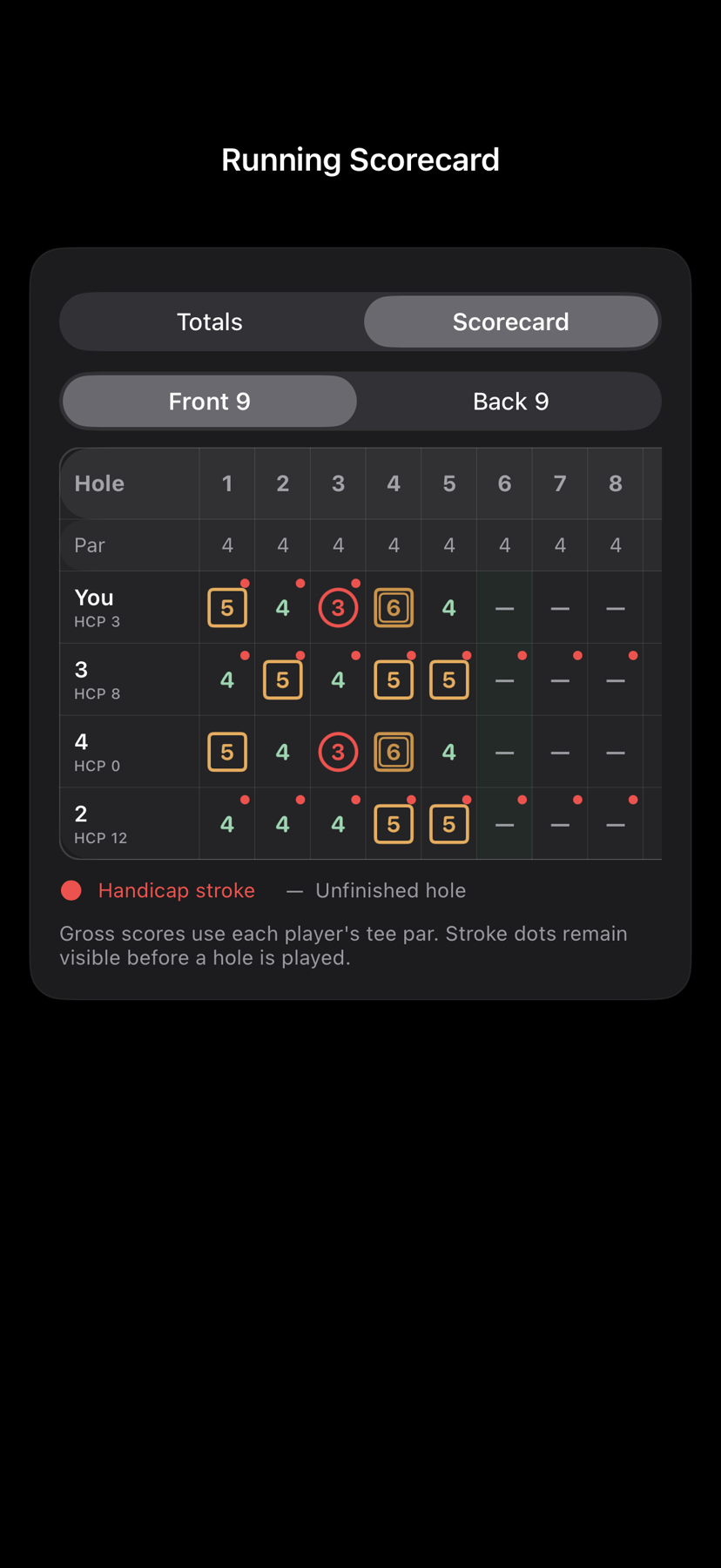
Score two to four golfers over 9 or 18 holes. Play Nassau, Skins, Points, or Wolf with Course Handicaps, allocated strokes, presses, and clear results.
Update Handicap Indexes and let LoopWise fill GHIN’s hole-by-hole form after a complete round. You review every value and press Post Score yourself.
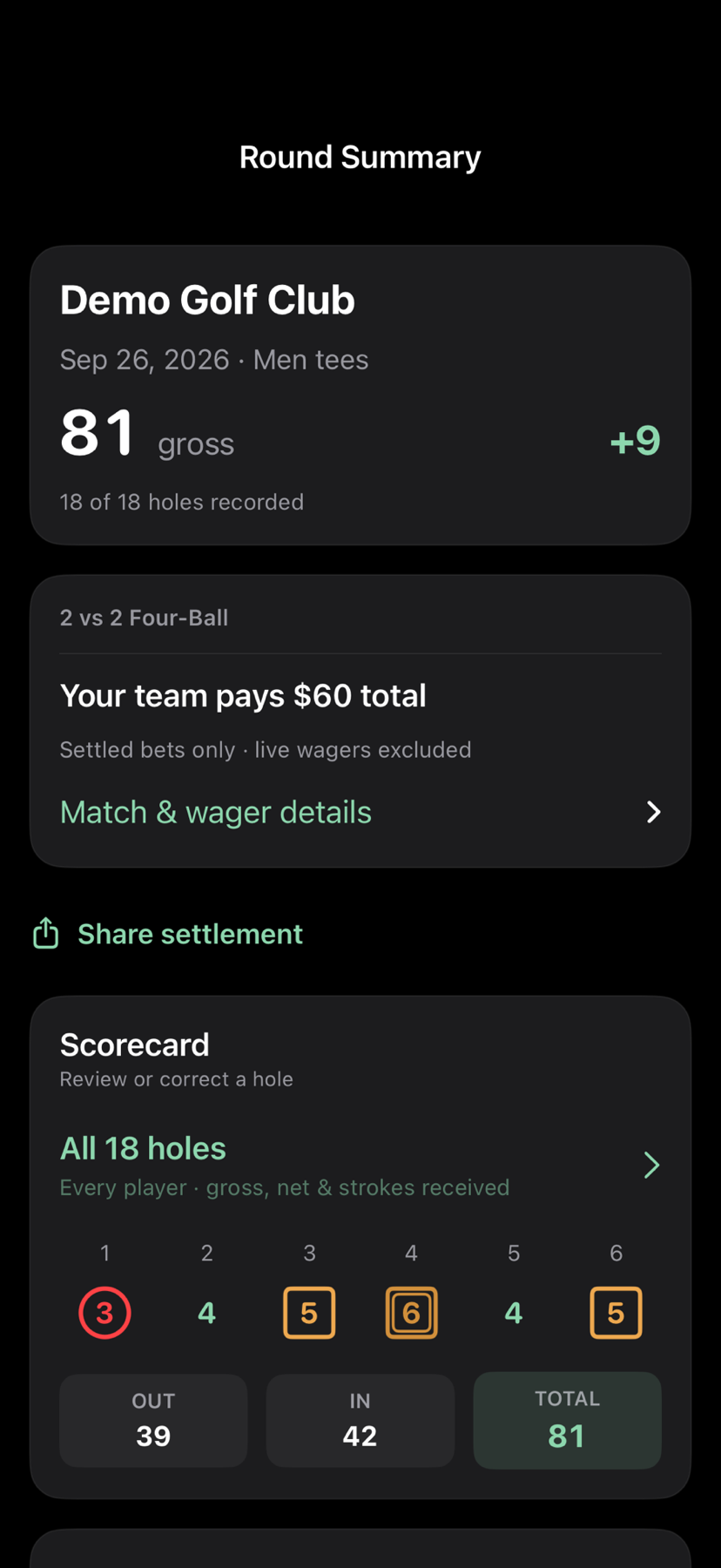
Use Round Summary, Progress, Coach, My Bag, carry distances, and practice history to connect what happened on the course with what to work on next.
Built around the way you play
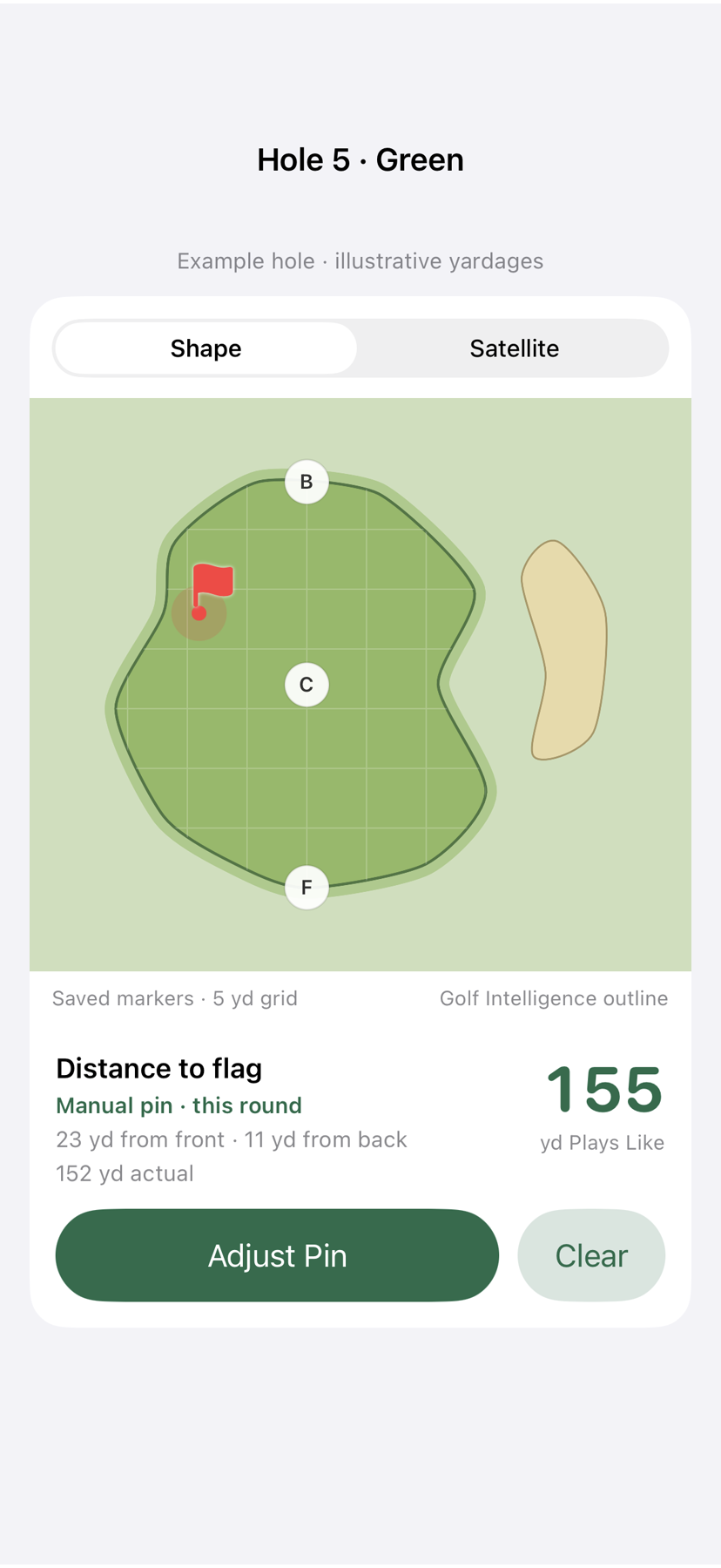
Adjust green shapes, hazard fronts and carries, and course features. Maintain tee scorecard definitions, pars, ratings, slopes, and stroke indexes. Add layup or danger targets for the decisions you actually face.
Choose EZPin, Strackaline, Manual, or None for each course. Review the day’s positions before saving them, then use the same pin through the round on iPhone and Apple Watch.
Use GPS alone, or add Plays Like, scoring, a saved match, and measured-shot distances. The playing screen stays focused on the tools you selected.
Record score, putts, fairway and green results, recovery outcomes, penalties, and optional measured-shot distances. Coach uses the evidence you recorded without asking you to reconstruct the round later.
See the current LoopWise app
Current app captures advance automatically. Choose any screen to pause on it.







Across your devices
Start the round, manage the current hole, enter scores, run matches, and review the result.
Start on iPhone, then use the Watch’s own GPS for front, pin, back, and hazard yardages. Measure a shot without returning to the phone. Scores remain on iPhone.
Refine course maps, review completed rounds, and work through statistics and coaching on a larger screen.
Back up and synchronize supported course maps and round data through your private iCloud account.
Score once. Learn from it.
LoopWise keeps data collection inside the normal flow of play. Afterward, it turns the details you chose to record into a usable summary and a focused next step.
Capture score, putts, fairway and green outcomes, recovery results, penalties, and optional measured-shot distances.
Review scoring, short game, putting, match results, trends, and comparisons with golfers at relevant performance levels.
Coach recommends priorities and drills, while My Bag and practice history keep the work connected to your game.
Private by design
LoopWise stores working data on your devices. Optional iCloud backup and synchronization use your private Apple account. GHIN and Golf Intelligence credentials remain in the iPhone Keychain, and optional imports use only the services you choose.
Availability
The product and interface shown here reflect the current test build and may evolve before release.